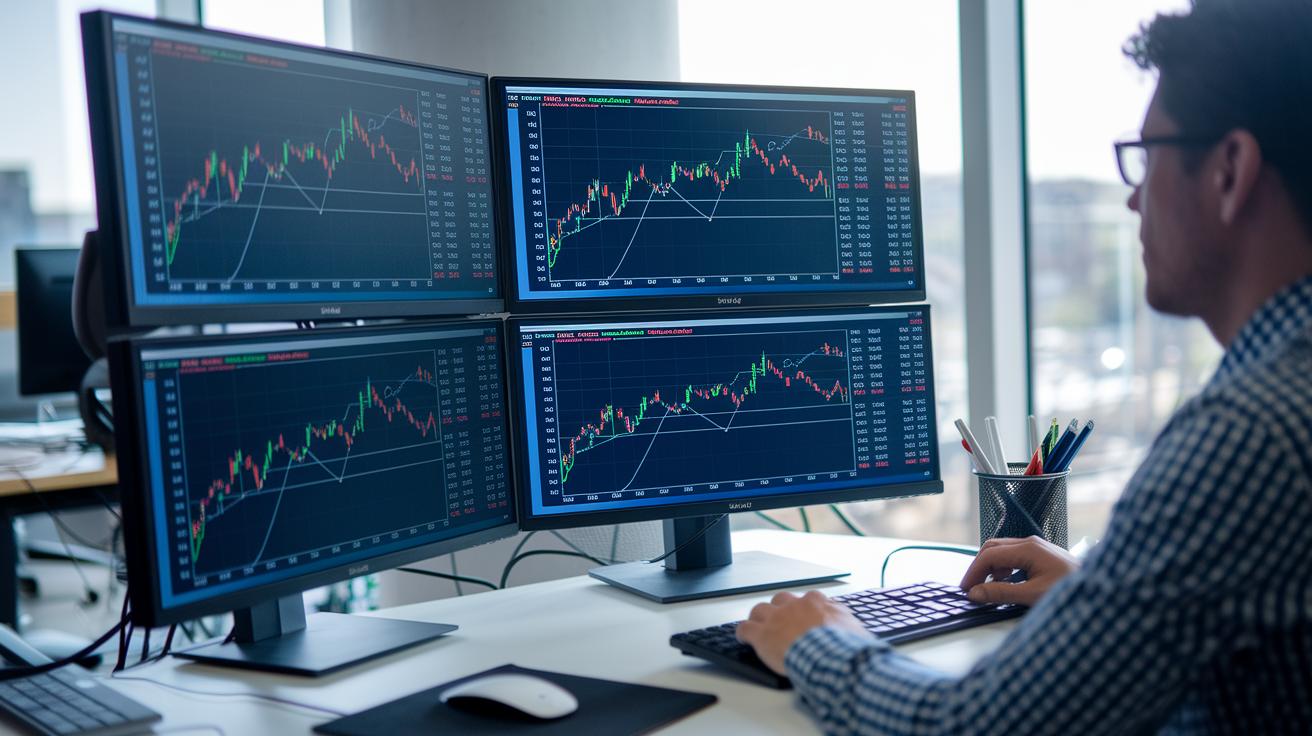
Top line: Test your trading rules without risking real money.
Ever wondered if your trading strategy will hold up under real market conditions? Backtesting lets you run your plan against historical data so you can see how it might perform, risk-free. You can check entry and exit points and compare key figures like total returns and risk-adjusted performance (which accounts for volatility). Our guide breaks down each step, helping you spot potential pitfalls and fine-tune your approach. This means you'll be able to walk into live markets with a strategy that has already been proven in the past.
Essential Steps for Backtesting a Trading Strategy
Top line: Backtesting applies your trading rules on past data to mimic real trades and spot potential risks. So what: It helps you test your plan before you risk actual money.
Before you start, make sure you have two things: a clear strategy and reliable historical data. Your strategy needs defined entry and exit points, while quality past data lets you check key numbers like total return, annual return, Sharpe ratio (risk-adjusted return), Sortino ratio (only negative volatility), and maximum drawdown (biggest dip). For example, try a 50-day versus 200-day moving average crossover on Microsoft stock (MSFT, Nasdaq) using data from Yahoo! Finance.
Steps to backtest:
- Define your entry and exit rules.
- Select the target asset or market.
- Gather historical price data.
- Preprocess the data (adjust for splits and dividends).
- Run your simulation engine.
- Record each trade's outcome.
- Analyze performance and refine your strategy.
Backtesting sharpens your risk management skills and builds trading confidence. By reviewing every stage, you can spot errors and adjust risk controls like stop-loss levels and position sizes. This careful method not only deepens your market understanding but also keeps your strategy flexible when market conditions change.
Gathering and Processing Historical Data for Strategy Backtesting

Top line: Pick the right time window. For long-term strategies, use 10 to 15 years of daily data. For high-speed trading, you need tick or bar data to catch intraday moves. Do a quick check of your market data for missing entries or irregular timing to avoid issues later.
So what: Your backtest is only as good as your data. Make sure you cover any gaps before you simulate trades.
Next, choose your data vendor. Many traders start with free services like Yahoo Finance for daily numbers. But if you need more detailed information, consider broker feeds or paid sources that offer finer granularity. When you weigh your options, look at cost, file format (CSV, JSON, etc.), and whether the vendor performs solid data integrity checks.
| Name | Timeframe | Cost | Format |
|---|---|---|---|
| Yahoo Finance | Daily | Free | CSV |
| Broker Feed | Intraday | Paid | CSV/JSON |
In preprocessing, fill any data gaps by comparing multiple sources. Adjust for stock splits and dividends and standardize your timestamps. This clean-up step is key for a reliable backtest.
Building Your Backtest Framework with Python and Excel
For testing your trading ideas, you can build a computer-based backtesting framework using either Python or Excel. Python lets you write simple scripts to load data, compute signals, and loop through trades, while Excel uses formulas and spreadsheets to quickly calculate indicators like moving averages. Your choice depends on whether you prefer coding or spreadsheet analysis.
If you choose Python, you might work with these tools:
| Tool | Purpose |
|---|---|
| pandas | Manage data and read CSV files |
| numpy | Run fast numerical computations |
| matplotlib | Create charts of trading performance |
With pandas.read_csv, you can import data quickly, and DataFrame.rolling helps compute moving averages with ease.
A typical Python script starts by loading a CSV file containing historical price data. It then calculates the 50-day and 200-day moving averages and creates boolean signals to indicate when the short-term average crosses the long-term one. A loop processes these signals to log simulated trades, marking entries and exits. This setup is clear and helps you debug your trading strategy step by step.
Here’s a sample code snippet:
# Load data
data = pandas.read_csv("historical_data.csv")
data['MA50'] = data['Close'].rolling(window=50).mean()
data['MA200'] = data['Close'].rolling(window=200).mean()

# Generate signals
data['Signal'] = data['MA50'] > data['MA200']

# Loop to record trades
trades = []
for i in range(1, len(data)):
    if data['Signal'][i] and not data['Signal'][i-1]:
        trades.append({'Entry': data['Close'][i], 'Time': data['Date'][i]})
    elif not data['Signal'][i] and data['Signal'][i-1]:
        trades[-1]['Exit'] = data['Close'][i]
Alternatively, Excel lets you set up formulas like =AVERAGE(range) to compute moving averages and =IF(condition,1,0) to produce trading signals based on specific criteria. This method is ideal for quick calculations if you’re not deep into coding.
If automating the backtest appeals to you, explore automated trading strategy scripts. Many offer downloadable templates that give you a head start in building your simulation framework.
How to backtest a trading strategy: Winning Tips

Top line: Nail down clear entry and exit points to turn your trading idea into a reliable, testable strategy.
A solid trading system starts with well-defined rules. When you use specific signals such as a moving average crossover (50/200 MA, where the short-term average crosses the long-term average to suggest a trend change) or an RSI breakout (RSI above 70 indicating potential overbought conditions), you can trigger trades consistently. These clear instructions help you isolate each trade, making the process repeatable.
Risk controls are just as important. Tools like a fixed stop-loss (set at 2%, meaning you will exit a trade if you lose 2% of your position) or calculated position sizing protect your capital as market conditions change. In essence, these methods transform trading ideas into measurable, data-driven actions.
Key Signals and Tools:
| Signal or Tool | Description |
|---|---|
| Moving average crossover | Short-term average crossing the long-term average to signal trend shifts |
| RSI threshold | RSI exceeding 70 to flag potential reversals |
| ATR-based stops | Trailing stops set at 1.5 times the Average True Range (ATR: the average movement range) |
| Fixed stop-loss | Predetermined loss limit, such as 2% per trade |
| Position sizing formula | Method to determine trade size based on risk parameters |
Testing these rules through different market phases, bull, bear, and sideways, is key to checking their strength. When your strategy performs well across various conditions, you build the confidence to fine-tune and rely on it. In short, clear rules and rigorous testing work together to keep your trading signals sharp as market dynamics shift.
Analyzing Backtest Results with Performance Metrics
Performance metrics break down past performance into clear, simple numbers you can use to make better trading decisions. Cumulative return shows your strategy’s total growth, while annualized volatility tells you how wild its swings have been. These numbers help you spot strategies that not only generate returns but do so with controlled risk.
Risk-adjusted measures compare gains to the chance of losses. For example, the Sharpe ratio (return per unit of total risk) and the Sortino ratio (return per unit of downside risk) help you see if a strategy is both profitable and steady. This way, you know if the rewards are worth the risk.
| Metric | Definition | Formula |
|---|---|---|
| Cumulative Return | Total return over a period | (Ending equity/Starting equity − 1)×100 |
| Annualized Return | Yearly equivalence of total return | [(1+Rannual)^(1/n) − 1]×100 |
| Annualized Volatility | Standard deviation of returns annualized | stdev(daily returns)×√252 |
| Sharpe Ratio | Return per unit of total risk | (Rp − Rf)/σp |
| Sortino Ratio | Return per unit of downside risk | Similar to Sharpe but excludes upside volatility |
| Beta | Correlation with a benchmark index | Calculation based on covariance with index returns |
| Maximum Drawdown | Largest peak-to-trough loss | Peak-to-trough decline percentage |
Benchmarking means comparing your strategy’s numbers with standard indexes like the S&P 500 or MSCI. This shows if your approach can beat the market under similar conditions.
When you put together a report for stakeholders, you collect these metrics into a clear, concise summary. It covers trade outcomes, highlights risk-adjusted returns, and shows how the strategy stacks up against benchmarks. This summary is a handy guide for future tweaks and ongoing improvements.
Identifying and Avoiding Common Backtesting Pitfalls in Strategy Testing

Backtesting should mirror real market conditions. Skipping over common mistakes can lead to misleading results. Keeping an eye on these pitfalls builds trust in your testing process.
- Overfitting: When your model is too tailored to past quirks, it may only perform well on history. Fix: Use several different data samples to avoid curve-fitting.
- Look-ahead bias: This error creeps in when future data sneaks into your test. Fix: Only use information that was actually available when each trade occurred.
- Survivorship bias: Ignoring stocks that have dropped off the market skews your view. Fix: Include now-defunct securities for a complete picture.
- Ignoring commissions and slippage: Overlooking real trading costs can give you an overly positive outcome. Fix: Build realistic cost estimates into your simulation.
- Data snooping: Constantly tweaking parameters may lead to a fragile strategy that fits the past too well. Fix: Stick with a robust approach and less frequent adjustments.
- Insufficient out-of-sample testing: Without testing on fresh market data, your model remains unproven. Fix: Reserve a significant portion of data solely for validating the model.
Automated error checks and regular code reviews can further boost your backtest’s reliability. A system with built-in validation flags discrepancies fast and cuts down on human errors. Testing your code against historical market events and revising it often keeps your backtesting aligned with reality. This clear-cut approach minimizes bias and sharpens your trading strategy.
Validating Strategies with Out-of-Sample and Walk-Forward Analysis
Top line: Test your trading strategy with unseen data to ensure it performs consistently.
So what: This approach builds confidence that your model will handle live market conditions without falling prey to hidden pitfalls.
When you set aside 20–30% of your data for out-of-sample testing (data not used in training), you check if your strategy remains robust beyond historical quirks. This method reduces the chance of overfitting (when a model fits past noise instead of real trends) and gives you peace of mind before trading live.
• Static split – Divide your data into training and testing segments. Use a fixed percentage (usually 20–30%) for out-of-sample evaluation.
• Walk-forward analysis – Use rolling windows (for instance, 5 years of in-sample data followed by 1 year of out-of-sample) to refresh your test as markets evolve.
• Scenario simulations – Test your strategy across various market conditions (bull, bear, and sideways) to spot potential issues during different stresses.
Focus on key metrics like maximum drawdown (the largest drop from a peak) and Sharpe ratio (a measure of risk-adjusted return). Changes in these figures can signal how well your strategy copes with sudden market shifts. By integrating these testing methods, you gain a clearer view of performance stability and boost confidence as you move into live trading.
Automating Strategy Backtesting with Industry Tools and Platforms

Desktop systems and cloud solutions both bring unique benefits for backtesting your trading strategy. Desktop platforms like MetaTrader 5 offer features such as parameter optimization (tuning your trade settings) and visual replay. This lets you watch simulated trades run on your own computer. On the other hand, cloud platforms such as QuantConnect use programming languages like C# or Python to run simulations in a scalable environment. This gives you the flexibility to choose the tool that fits your technical skills and testing needs.
It is important to factor in realistic cost modeling. Simulating true trading fees such as commissions and slippage (the gap between expected and actual trade execution prices) helps prevent overoptimistic results. By including these costs, you get performance estimates that are more in line with what happens in the real market.
- MetaTrader 5 – A strong desktop tool with tuning options and visual replay.
- TradingView – Uses Pine Script with a Strategy Tester that supports bar replay and custom scripts.
- QuantConnect – A cloud-based option that allows backtesting with languages like C# and Python while integrating flexible data.
- NinjaTrader – Comes with a strategy analyzer designed for equities and futures, featuring detailed simulations.
When picking a platform, look at factors like the range of assets covered, the quality of historical data, how quickly it can optimize, and how simple the scripting is. A system that offers broad asset coverage and high-quality data is vital for testing various markets. Fast optimization and an easy scripting process help you adjust settings quickly and refine your trading approach.
Final Words
In the action, we've broken down backtesting a trading strategy into clear, practical steps. You explored how to define trading rules, collect years of historical data, and build simulation frameworks using Python or Excel. We also touched on tracking performance metrics and avoiding common testing pitfalls. With this guide on how to backtest a trading strategy, you’re better prepared to fine-tune your approach and act with increased confidence. Keep testing, adjust your methods as needed, and stay ready for emerging opportunities.
FAQ
How to backtest a trading strategy on Reddit?
The discussion on Reddit shows that users typically share methods involving clear rule definitions, using free tools like TradingView or coding in Python, and sharing detailed guides with community feedback.
How to backtest a trading strategy using ChatGPT and can ChatGPT backtest a trading strategy?
ChatGPT helps by outlining a backtesting framework, generating pseudo-code, and clarifying concepts, but it cannot run simulations directly. Use it as a guide while coding your own backtests.
How to backtest a trading strategy in TradingView?
TradingView uses Pine Script with its Strategy Tester to simulate historical trades. Traders code entry and exit signals, run simulations, and then review performance metrics directly on interactive charts.
How to backtest a trading strategy for free?
Free backtesting is possible with platforms like TradingView and Python paired with free data sources (e.g., Yahoo! Finance API). This setup lets you define rules and simulate trades without extra costs.
How to backtest a trading strategy for forex?
Forex backtesting requires quality historical forex data and tools like TradingView or Python libraries to simulate trades. It involves incorporating currency specifics, ensuring data accuracy, and analyzing strategy performance.
How to backtest a trading strategy using Python?
Backtesting with Python uses libraries such as pandas, numpy, and matplotlib to load historical data, apply trading rules, and record outcomes. This approach helps analyze performance with custom code.
How to backtest a trading strategy with AI?
AI-based backtesting leverages machine learning models to optimize strategy parameters and identify historical patterns. These tools analyze data dynamically, refining rules to improve future predictions.
How to backtest a trading strategy automatically?
Automated backtesting platforms—like MetaTrader 5, TradingView, or QuantConnect—run your predefined trading rules on historical data without manual input, speeding up analysis and reducing human error.
What is the best way to backtest a trading strategy?
The best method combines clear rules, robust historical data, a reliable simulation engine, and performance metrics. Choose platforms like Python, TradingView, or automated systems that minimize bias and errors.
What is the 3 5 7 rule in trading?
The 3 5 7 rule in trading refers to a guideline used by some traders for managing trades or risk, though its specific definition varies. It’s advisable to check trusted sources for the exact application in your context.
What is the 90% rule in trading?
The 90% rule typically means that a small portion of trades contributes to most gains or losses. It reminds traders to focus on managing risk effectively, as the bulk of performance may be driven by few significant trades.