MARKET BRIEF
Top line: A solid tech setup is a must for fast, effective day trading.
So what: Upgrading your computer and accessories can mean the difference between a gain and a loss.
Ever wonder if old tech might cost you a trade? In day trading, your computer is not just a tool; it is your lifeline. A quick processor, clear monitor, and responsive peripherals cut seconds off decision-making when every second counts. Think of your setup as the engine behind every chart and order you manage. This post walks you through the essential gear and upgrades that empower your trading success.
Day Trading Computer Setup Essentials
Your day trading setup starts with a strong computer or laptop. This machine is the core of your trading work and must run all your trading and charting software smoothly so you can make fast, accurate decisions. Many traders choose newer computers built within the last 5 to 7 years that offer solid processing speed and fast storage.
Next, a high-resolution monitor helps you see more detail and reduces eye strain. Adding ergonomic tools, such as a reliable wireless keyboard like the Lovaky MK98 and a quick, responsive mouse, can boost your productivity during busy trading sessions. It also helps to have enough desk space to arrange your computer, monitor, and any other devices comfortably.
Other important pieces include a good office chair for proper support, LED bulbs that mimic natural light to keep you alert, high-speed internet, and a backup power supply like the APC 1500VA UPS (a device that protects against power cuts).
Altogether, this trading setup typically costs between $1,700 and $4,500, not counting software subscriptions. While having quality equipment is a smart investment, remember that success in day trading also depends on your skills and experience.
Processor and Memory Choices for Day Trading Rigs
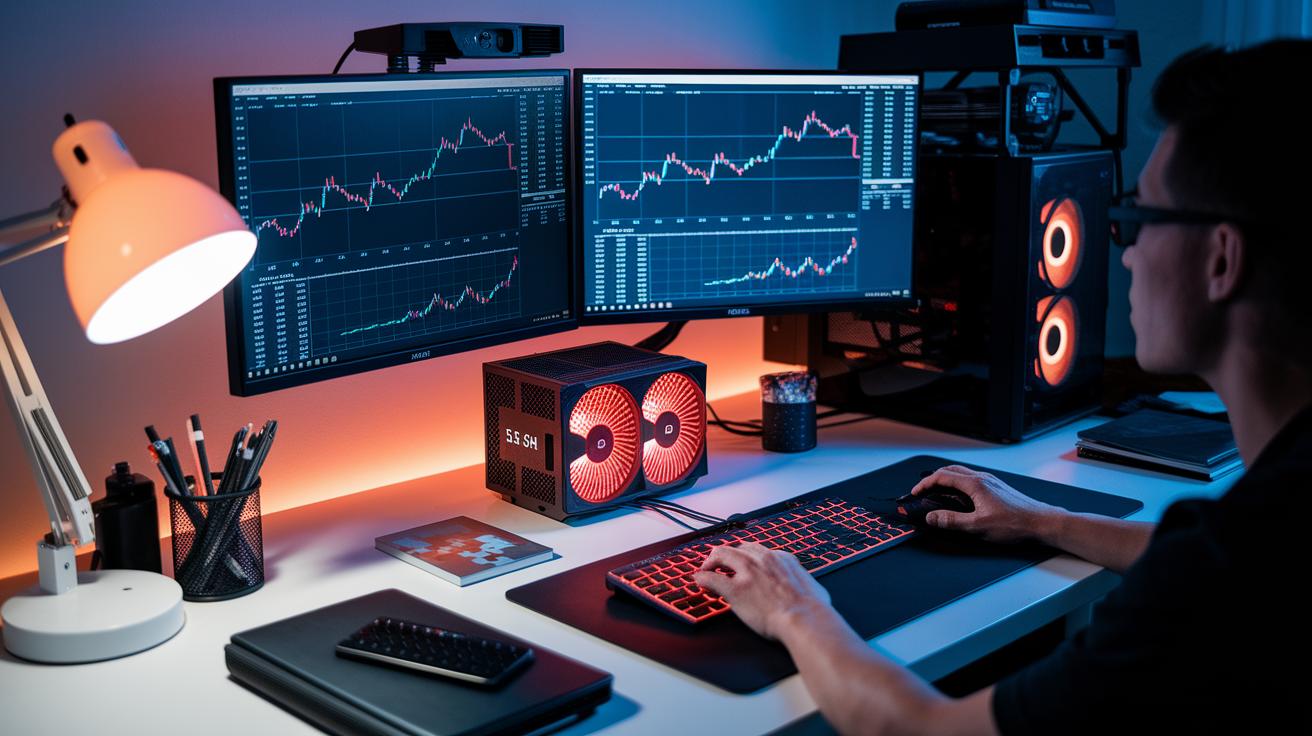
A speedy processor is at the heart of any day trading rig. It cuts down the lag between a market move and your reaction time. This means less slippage (the extra cost from slight delays) during fast market activity. For example, high-frequency traders might pick a CPU like the Falcon F-37GT, which can run up to 5.5 GHz. If your setup runs several trading applications at once, a powerful processor ensures they all run smoothly.
Memory works hand in hand with your CPU. Adequate RAM lets you run multiple programs without delay. For a beginner, 8 to 16 GB is usually sufficient. If you’re trading more frequently, stepping up to 16 GB or more is wise. DDR5 memory is a popular choice because of its fast data rates. In a professional trading environment, you might see systems with 32 GB or more to handle complex platforms and constant real-time data feeds. Balancing a strong CPU with enough RAM keeps you sharp and responsive in the market.
| Build Type | Specifications | Cost |
|---|---|---|
| Basic Build | Mid-range CPU, 8 GB RAM, SSD | $1300–$1500 |
| Mid-Range Build | High-clock CPU, 16 GB DDR5 RAM, SSD | $1500–$2000 |
| High-End Build | Multi-core CPU (up to 5.5 GHz), 32+ GB DDR5 RAM, NVMe storage | $1800+ |
Day trading computer setup: Power Your Success
A trading setup with multiple monitors can boost your efficiency. With extra screens, you can view charts, manage orders, and follow news feeds all at once without switching windows. Many traders use 2–4 monitors, while experienced traders often deploy 3–6 high-resolution displays on adjustable arms. This setup not only broadens your view but also helps lower eye strain by giving you space to arrange screens comfortably. In fast markets, a well-organized multi-display system helps you stay focused and makes decision-making quicker.
Optimal Monitor Arrangement
Set up your monitors for the best performance. Place them at eye level and at angles that reduce neck and eye fatigue. Keep your screens about an arm’s length away to ensure clear visuals and cut down on glare.
- Screen Size: Choose monitors between 24" and 27" based on your needs.
- Resolution: Options include 1080p, 1440p, and 4K (for sharp visuals).
- Panel Type: IPS panels offer better color accuracy and wider viewing angles.
- Connectivity: Look for HDMI, DisplayPort, or USB-C connections.
- Mounting: Adjustable arms let you change tilt and height for comfort.
Connectivity and Power Stability in Trading Computer Setups

For day trading, a steady and fast internet connection is essential. A wired Ethernet connection gives you low lag and fewer glitches compared to Wi-Fi. If you need more setup flexibility, Wi-Fi 6 delivers better speed and reliability when your signal is strong. A smooth link means you get real-time market data and can act quickly, every millisecond counts.
Stable power is just as important as a reliable internet. An APC 1500VA UPS battery backup keeps your system running during power dips. This unit handles short outages and protects your equipment from power surges. With this backup, your trading computer stays online even during brief interruptions, so you remain in control when the market moves fast.
It also makes sense to have backup network options and keep an eye on your connection. Consider a secondary source like a mobile hotspot or extra broadband service to lower risk. Regular monitoring can spot issues early and prevent missed opportunities. Together, a solid internet connection and steady power build a strong foundation for successful trading.
Ergonomic Workspace Integration for Day Trading Computer Setup
A smart trading setup starts with a solid desk that gives you plenty of room for your computer, monitors, and other gear. Arrange your monitors at a comfortable distance to cut down on neck and eye strain during long sessions. Keeping your desk neat means you can grab your essential tools quickly and focus on your trades. Extra space also lets you position additional devices strategically so you aren’t cramped.
Choosing an Ergonomic Trading Chair
Choose a trading chair built for long hours. Look for lumbar support (firm back support) to help keep your posture straight, and pick one with adjustable height to keep your eyes level with your monitor. A reclining feature gives you a chance to relax during breaks. Materials like breathable mesh or high-density foam offer comfort that lasts, reducing fatigue over extended trading periods.
Natural-light LED bulbs and a well-thought-out room setup boost alertness and ease eye strain. By adding these ergonomic touches to your workspace, you protect your health and maintain sharp focus as the market shifts swiftly.
Day Trading Software Configuration and Backup Strategies

Top line: Your trading setup needs reliable software and a solid backup plan to navigate fast markets.
Good charting software is essential for any trading workstation. For example, beginners might try eToro, while seasoned traders often prefer TradeStation (advanced trading platform on Nasdaq). These platforms give you a clear view of market trends and let you track price movements in real time. Pairing them with live data feeds that show bid/ask levels (the buying and selling prices) sharpens your execution during volatile moments. Also, make sure your broker’s software works well with these tools so everything runs smoothly. For more insights, check out what is technical analysis at BankingCorner.
Equally important is securing your data. You should use backup solutions like cloud storage, external hard drives, or local system images to protect your configurations and market data. These methods help you bounce back quickly from system glitches or updates that could interrupt your trading. A good backup strategy means you keep your data safe and keep trading when every second counts.
Budget and Tiered Builds for Day Trading Computer Setups
Your build options come in three tiers that balance cost with future upgrade paths. This guide compares the benefits of each price point instead of repeating technical details.
The entry tier covers the basics for new day traders. The mid-tier steps up speed and memory to help you access data faster. For a professional setup, you get support for multiple monitors and complex trading platforms without delay. A basic build sets you up for smooth trade execution, while a mid-level upgrade can significantly reduce response times.
If your trading grows, you can gradually upgrade your system. This means you can add more memory, storage, or graphics power without buying a whole new rig.
Final Words
In the action, we broke down the key parts of creating a solid day trading computer setup, from powerful hardware and multi-monitor arrangements to stable connectivity and an ergonomic workspace. We tackled the essentials, budget tiers, and backup strategies a trader needs.
This post delivered real trade-ready ideas and practical technology tips. The right equipment supports your skill and sets the stage for active, efficient trading moves. Stay focused and ready for the next opportunity.